A desktop app for i18n
Translate your app's locale files — and check every string before it ships.
Just AI i18n & DocGen translates standard i18n JSON with a local or online AI, verifies every string it wrote, and puts a review workspace between the engine and your files. Your locale file stays byte-identical until you press Apply.
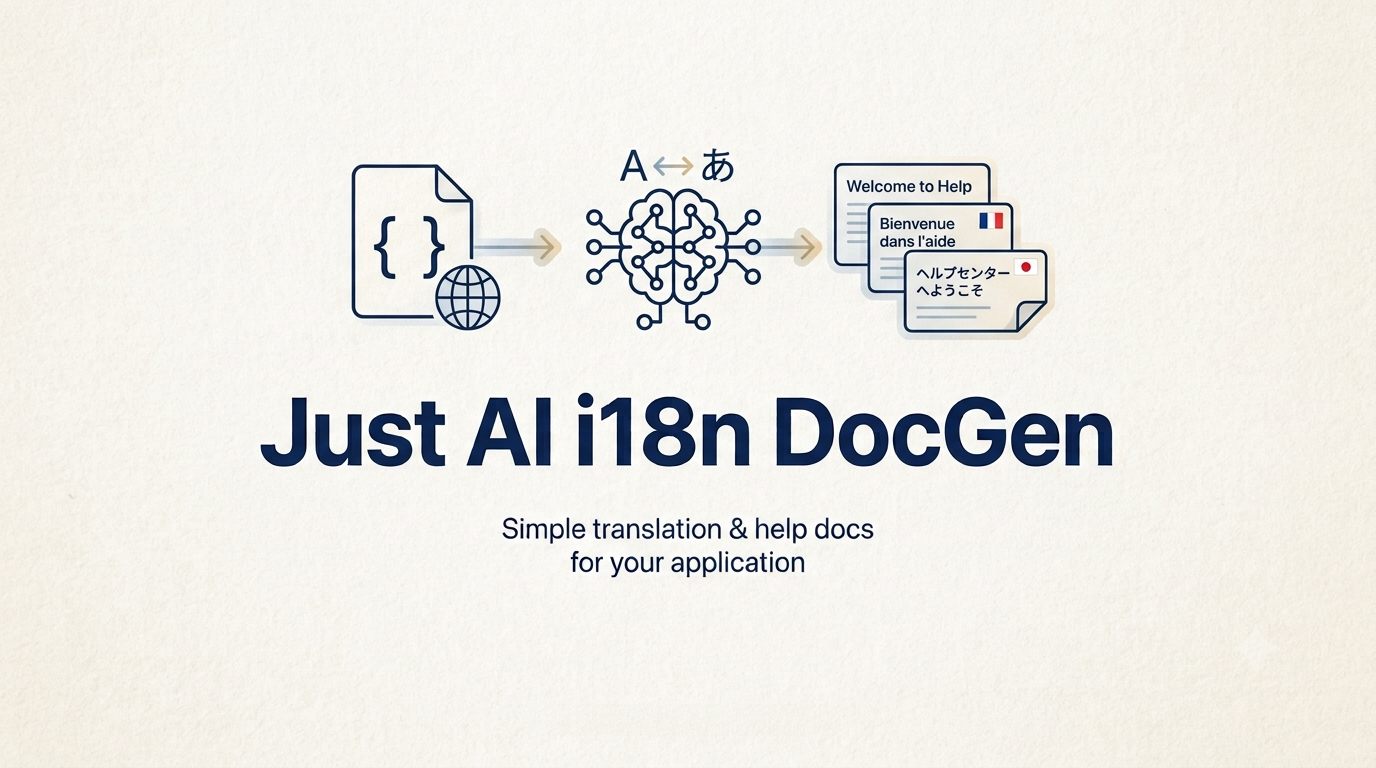
How it works
Three steps, in this order.
- 1
Point
Give it the path to your source locale file. It reads it and tells you what it found before anything runs.
- 2
Translate
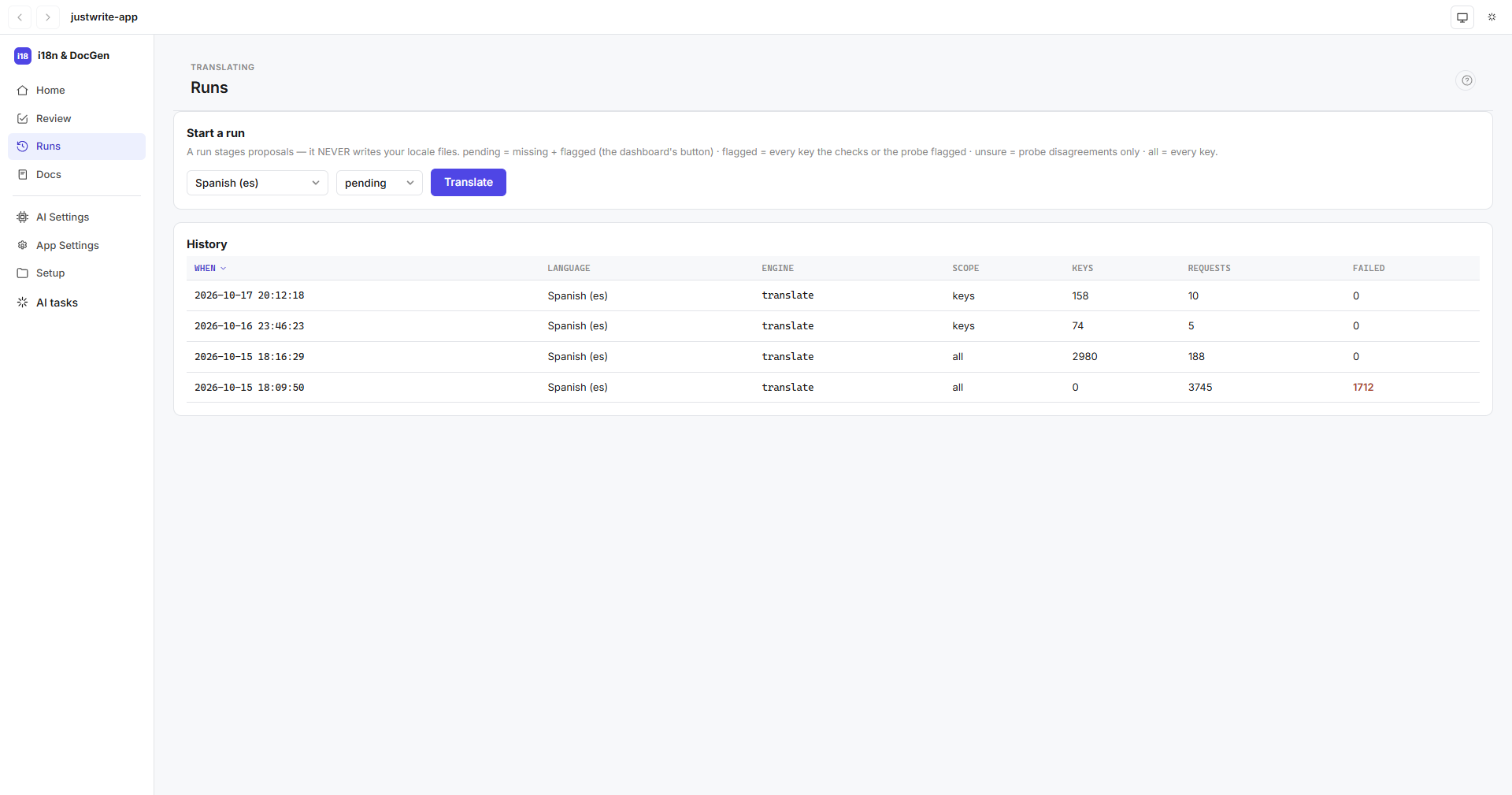
Pick languages and press Translate. The run stages proposals for every missing or flagged key.
- 3
Review
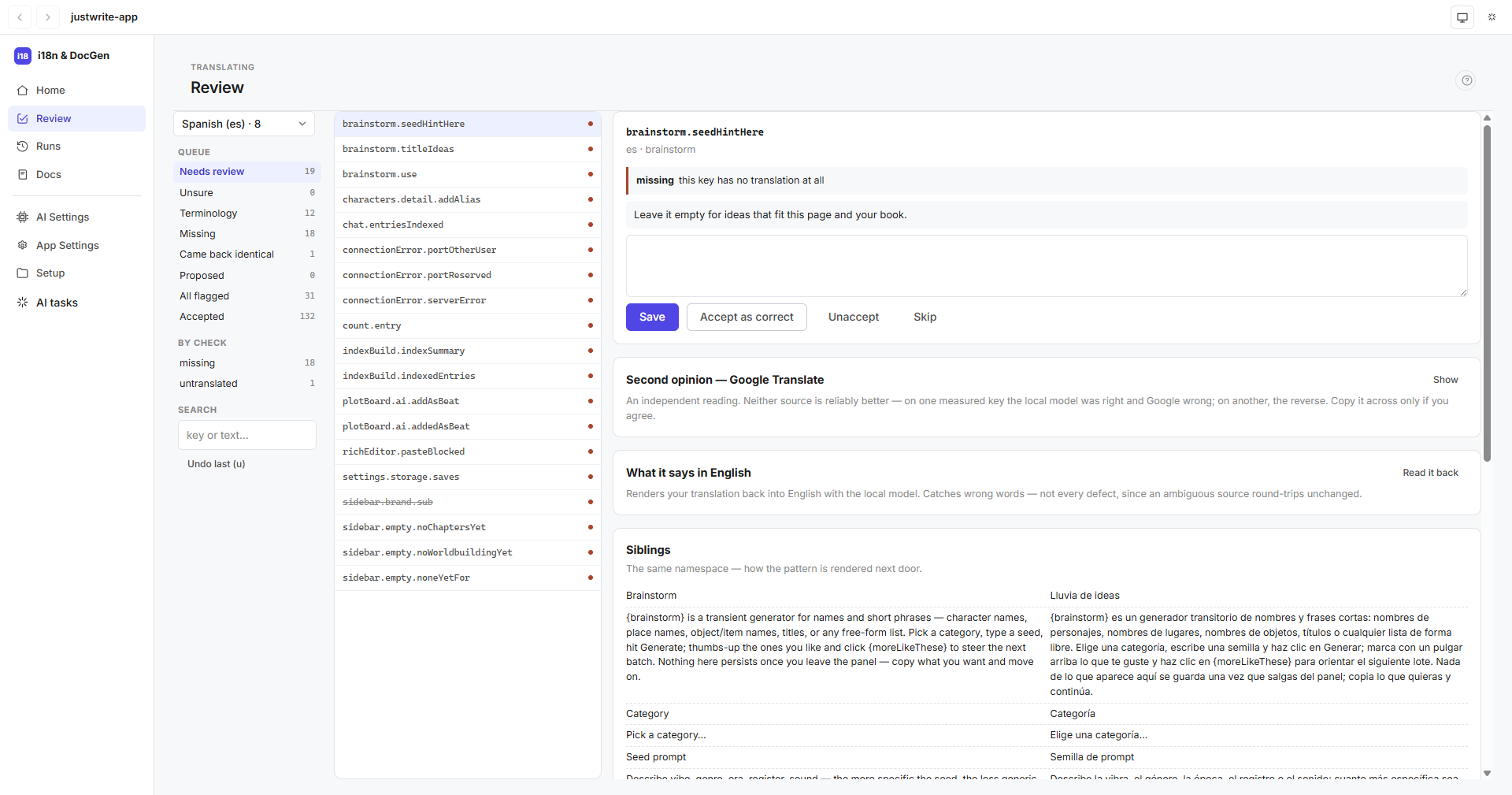
Work the queue: accept what's right, fix what isn't, apply the rest. Only then are your files written.
The promise
Nothing ships unseen.
Four rules every run keeps — each one held by a test in the app's own suite.
A run writes only proposals
The locale file is byte-identical when a run finishes. Applying is your click, and it is undoable.
The engine never signs off
The confirmation pass pre-ticks rows; the acceptance is always a person's, stamped with a reviewer name — never the computer's user name.
Shielding is a substitution
Placeholders become tokens the model never sees as text. A restored string missing a token is a failure, retried — not shipped.
Keys are never silently skipped
A key that fails every retry is named, and the command line exits non-zero.
The app
The screens.
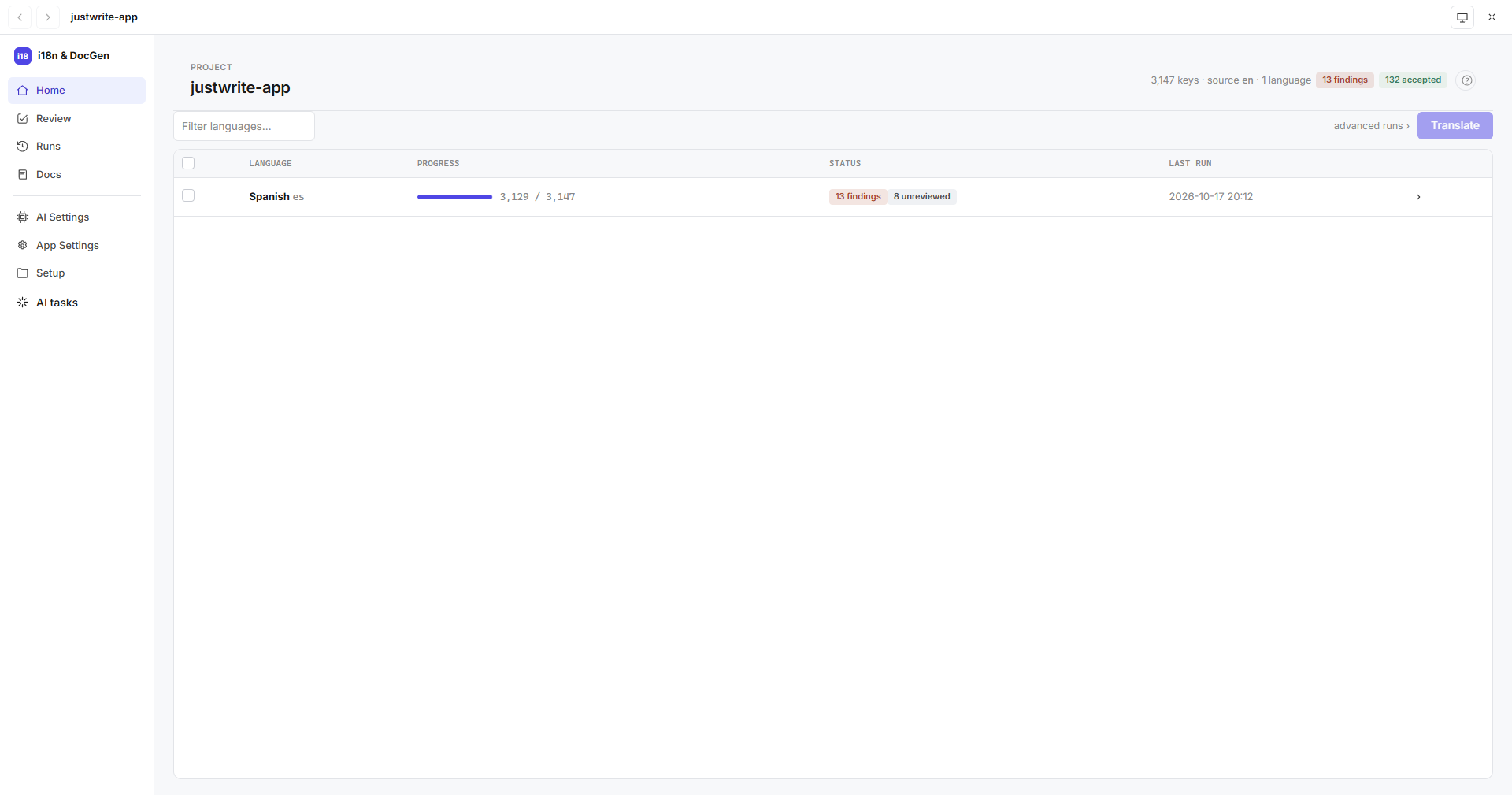
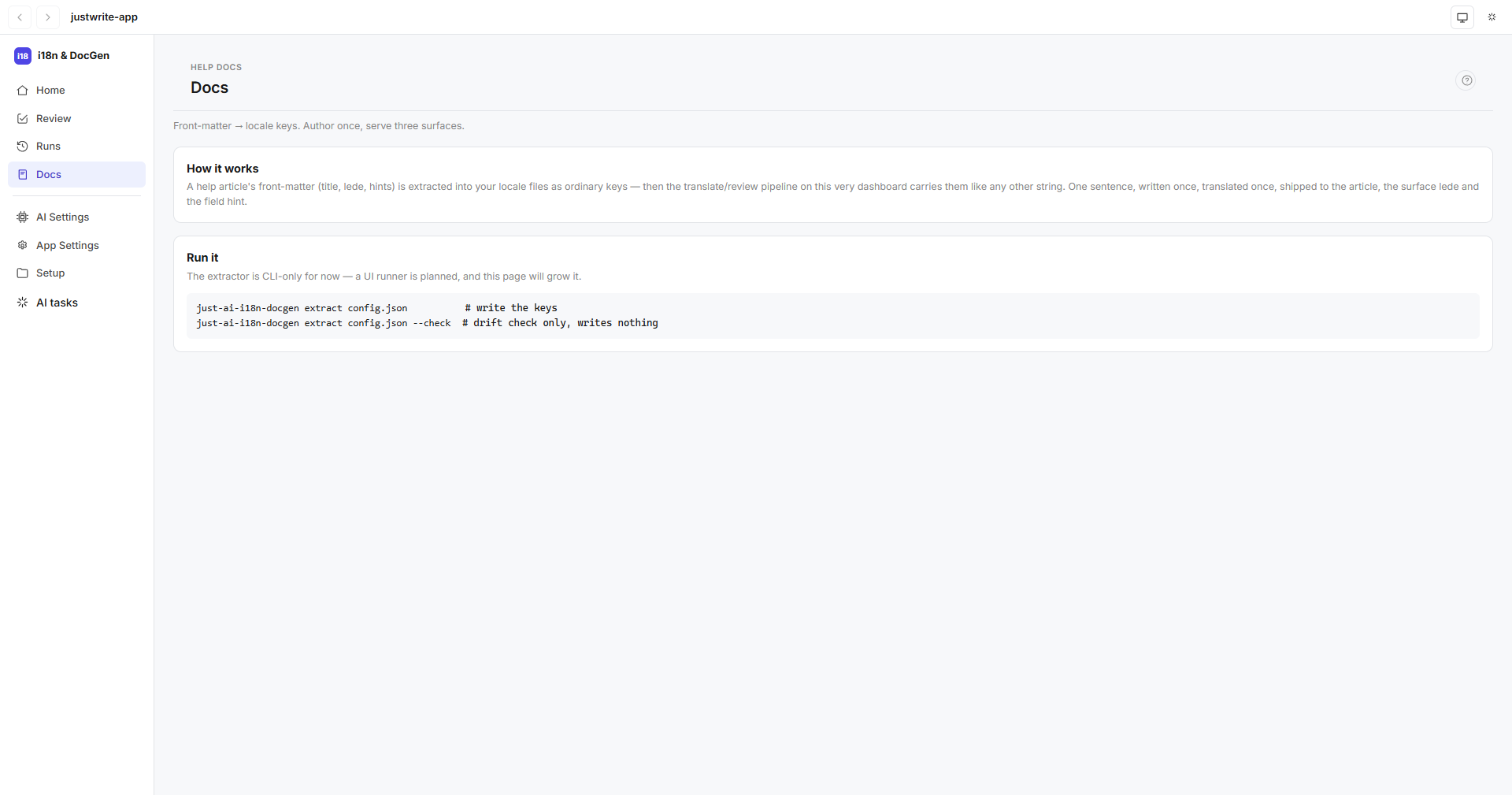
Captured from the desktop app on JustWrite's catalog — the 3,147 keys docgen translates and reviews for its sibling app.