
See your house in real paint before you buy a can.
Add a photo of your house. Just House Paint finds the body, the trim, the doors and the shutters, and paints them with real brand colors in your photo's own light — all on your own computer.
Windows, macOS on Apple silicon, and Linux. Nothing to sign up for.
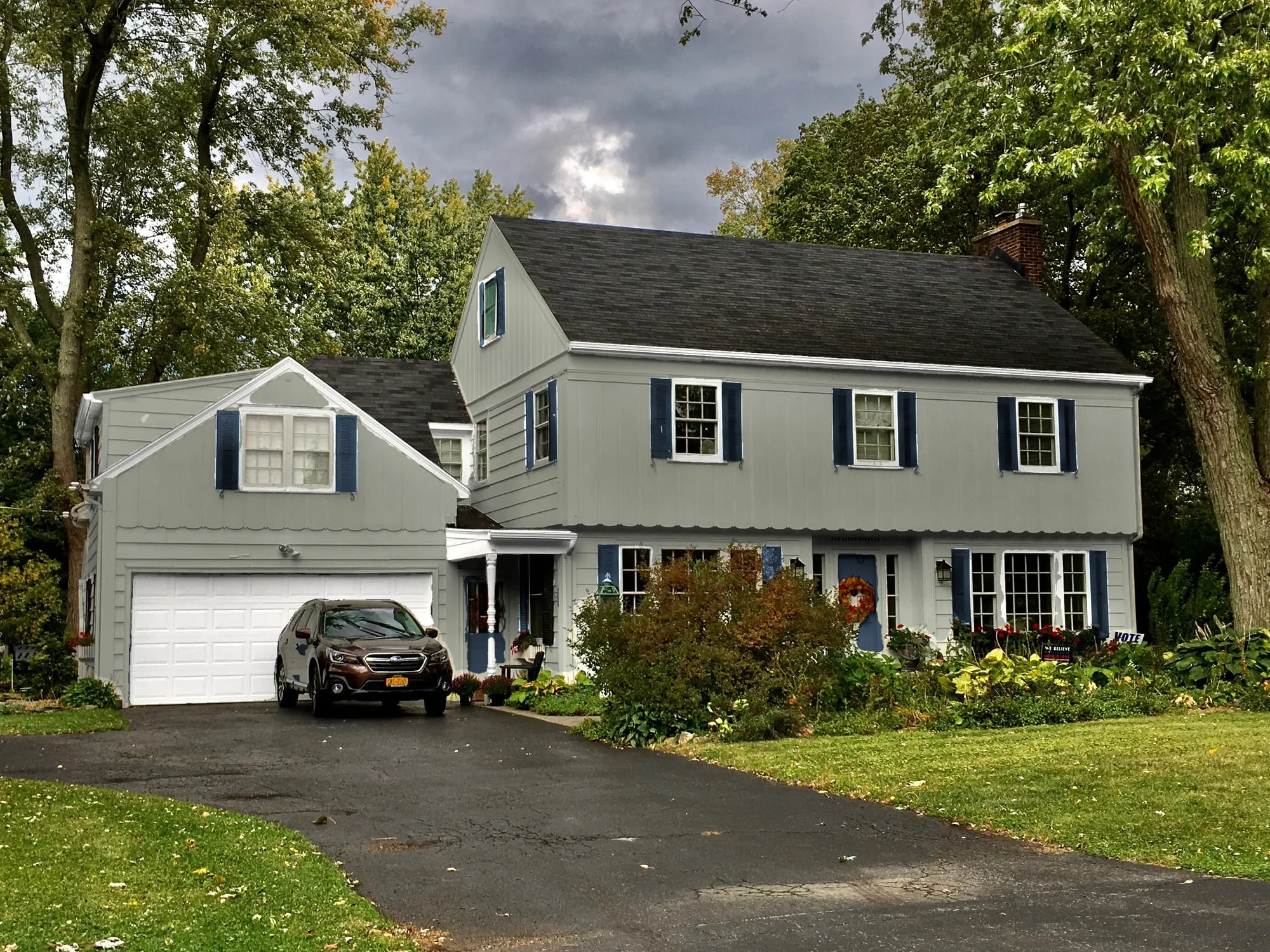
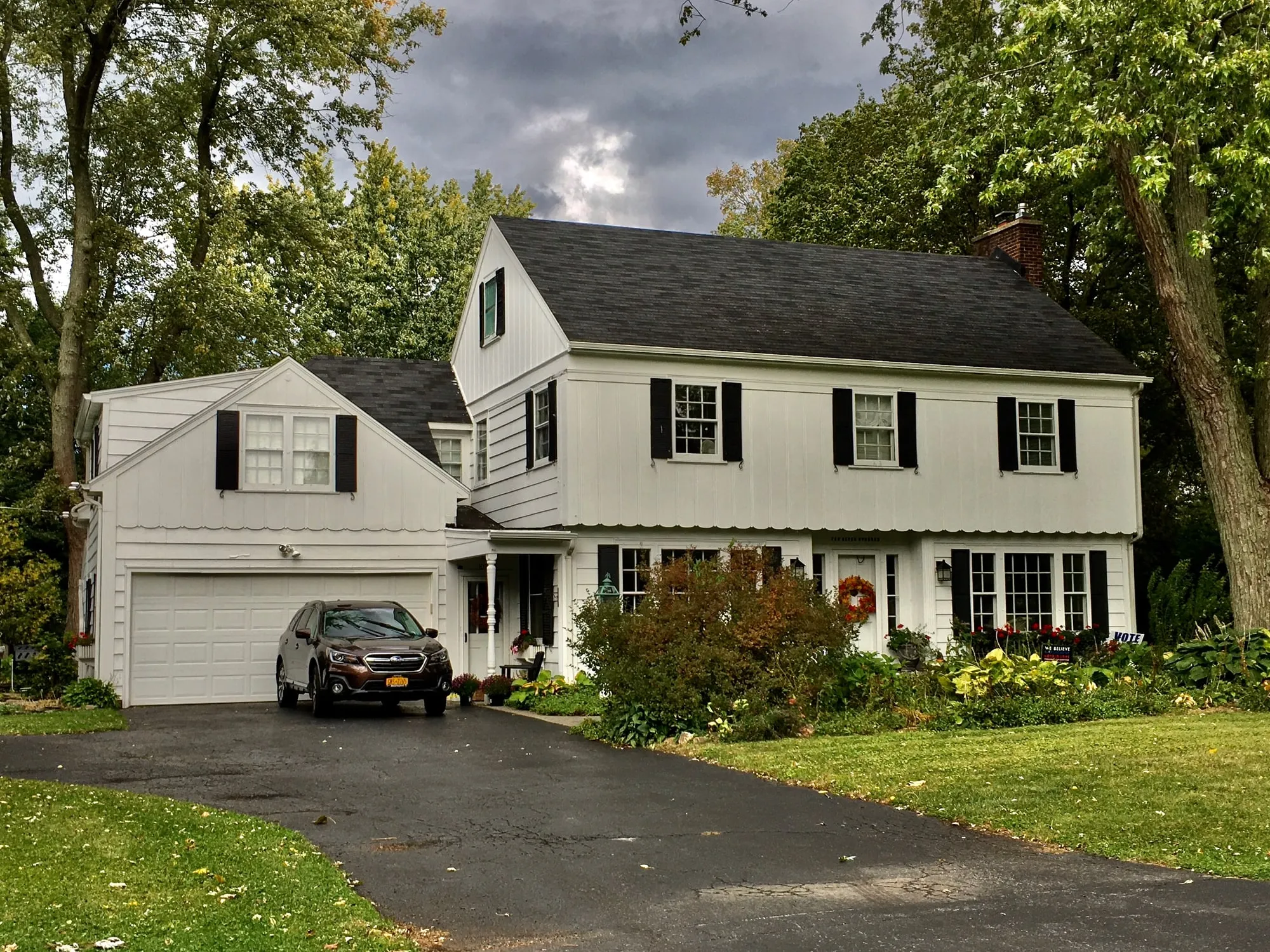
How it works
Four steps from a photo to a house you can compare color by color.
-
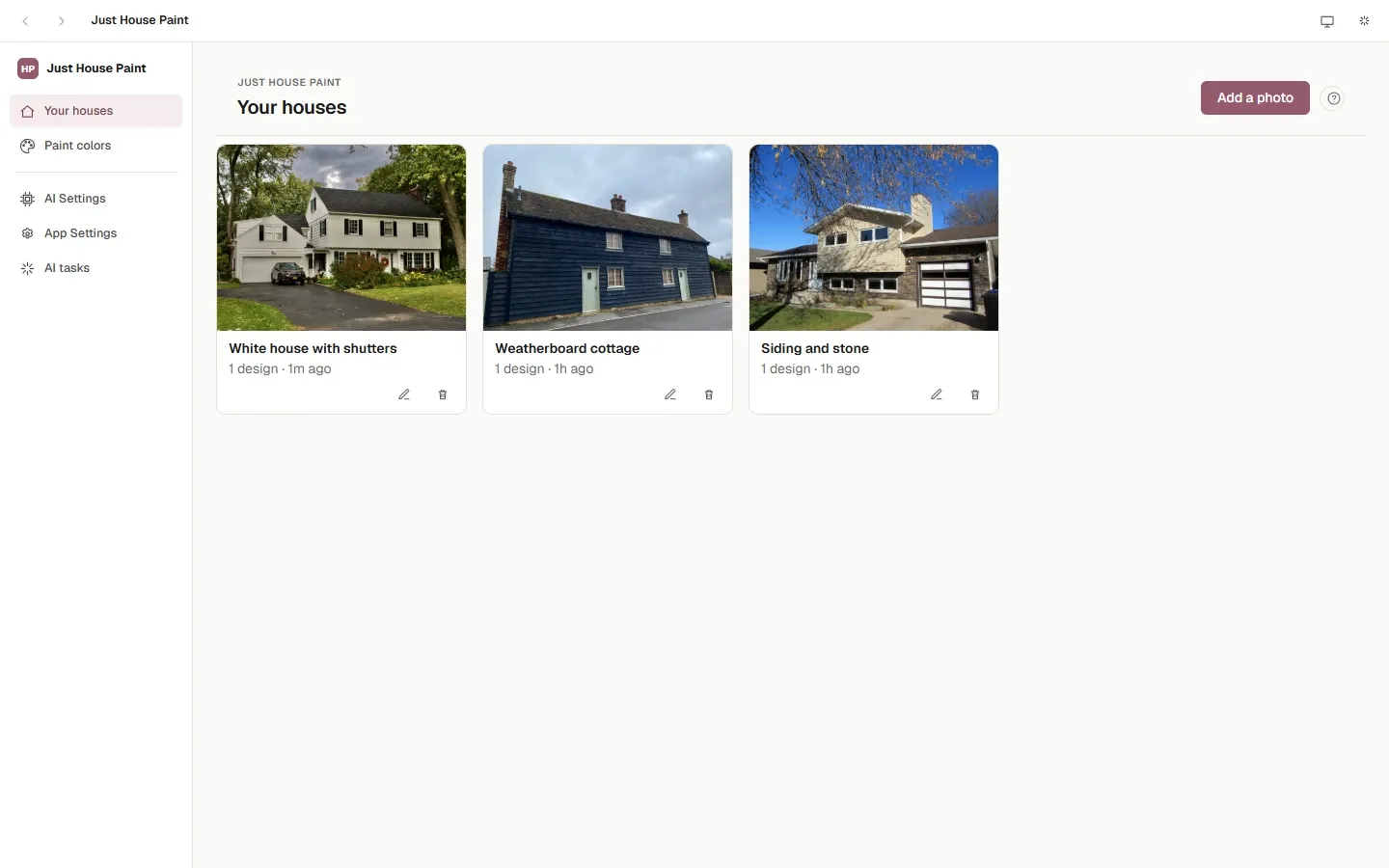
Add a photo
Take a photo of the front of your house in daylight and add it. The app keeps your original and paints on a copy.
-
Find the parts
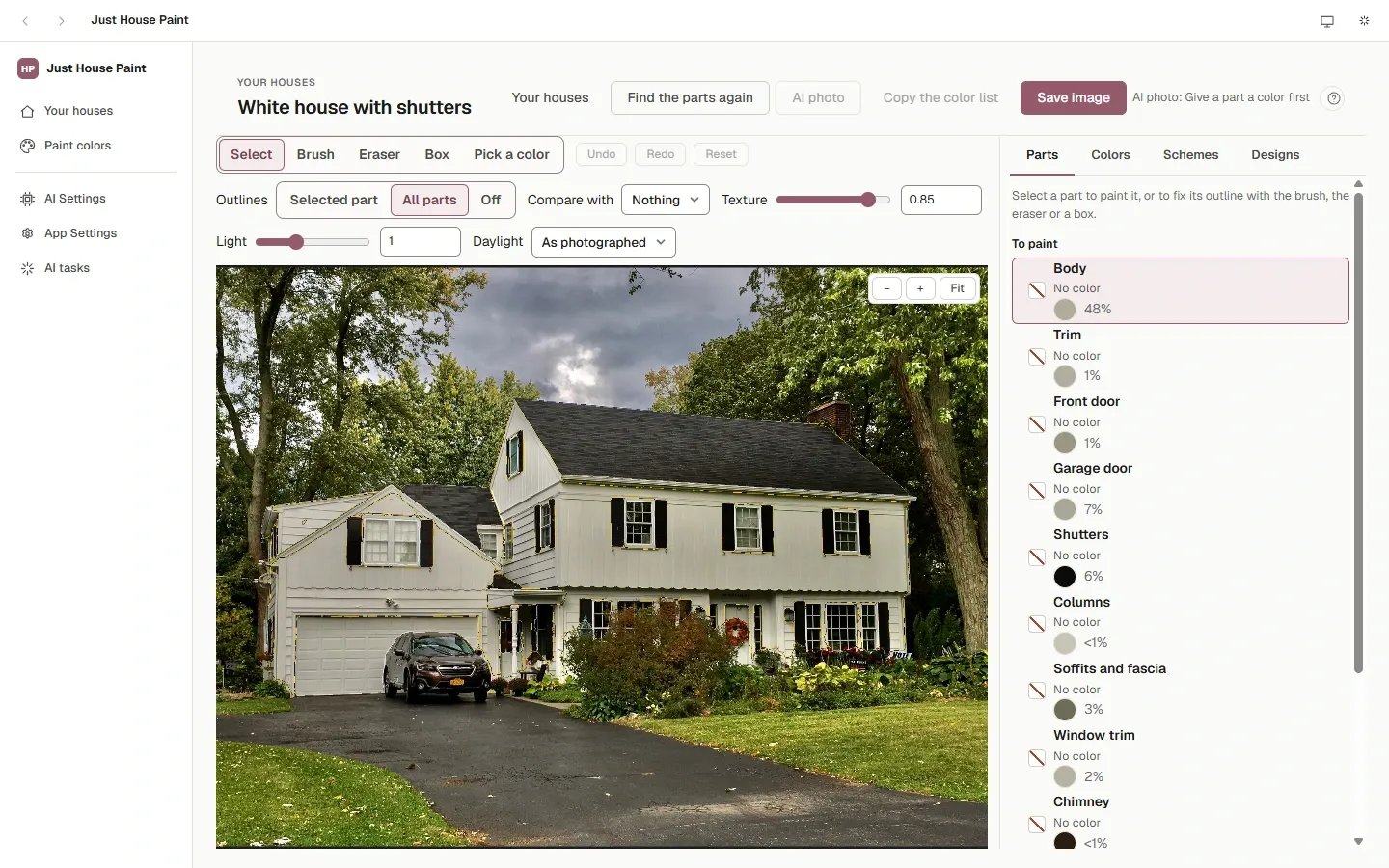
One click, and a vision model running on your computer outlines the body, the trim, the doors, the shutters, the gutters and more. Fix anything it missed with a brush, an eraser or a box.
-
Pick real paints
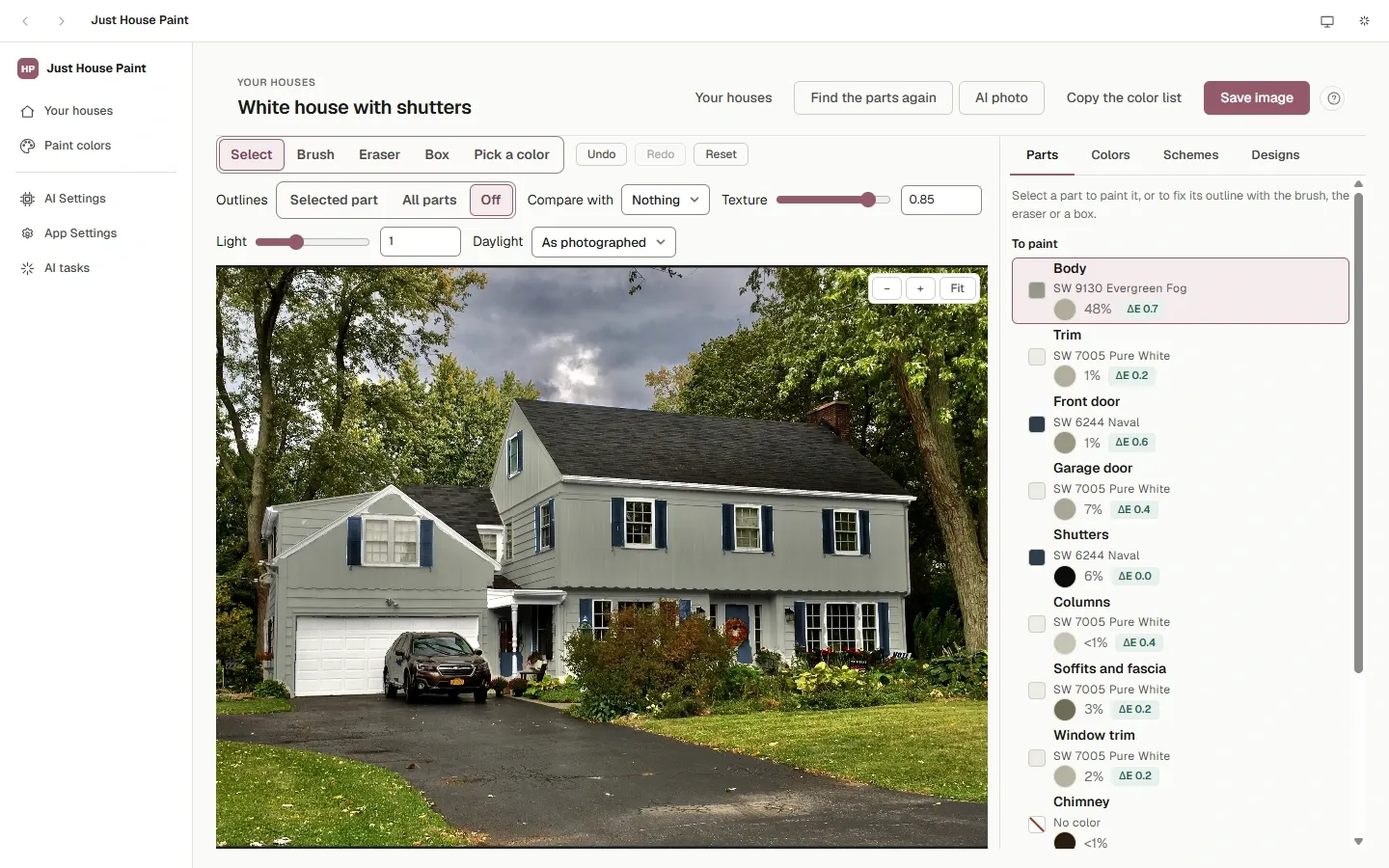
Choose a brand's paint for each part. It shows at once in your photo's own light and shadow, and each part says how close the painted wall comes to the chip. Daylight shows it all in morning, midday or shade light.
-
Compare and keep
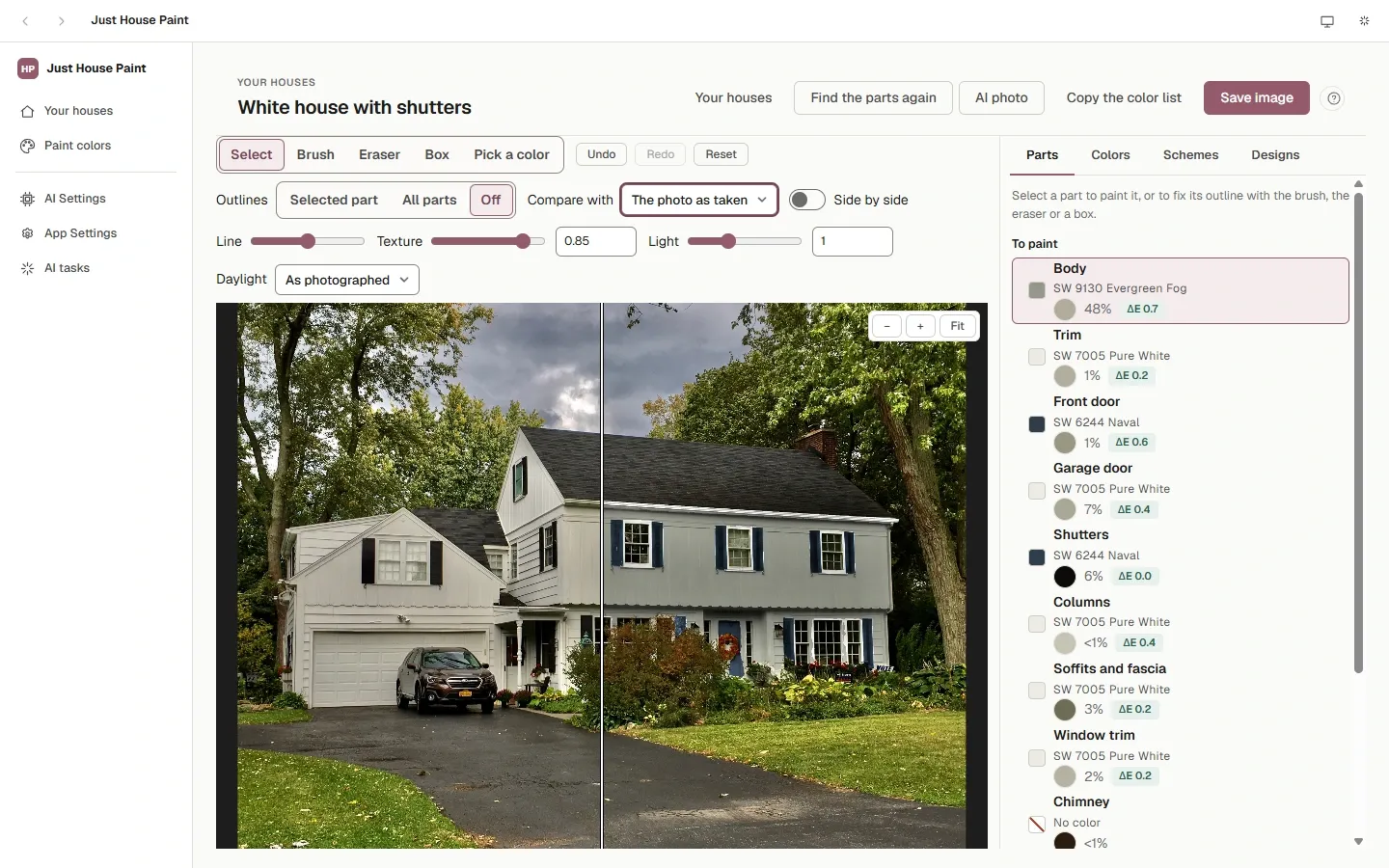
Slide between the photo and the new colors, save the colors as a design and use it on your other photos of the house, then take the color list, with each part's finish, or a color card to the store.
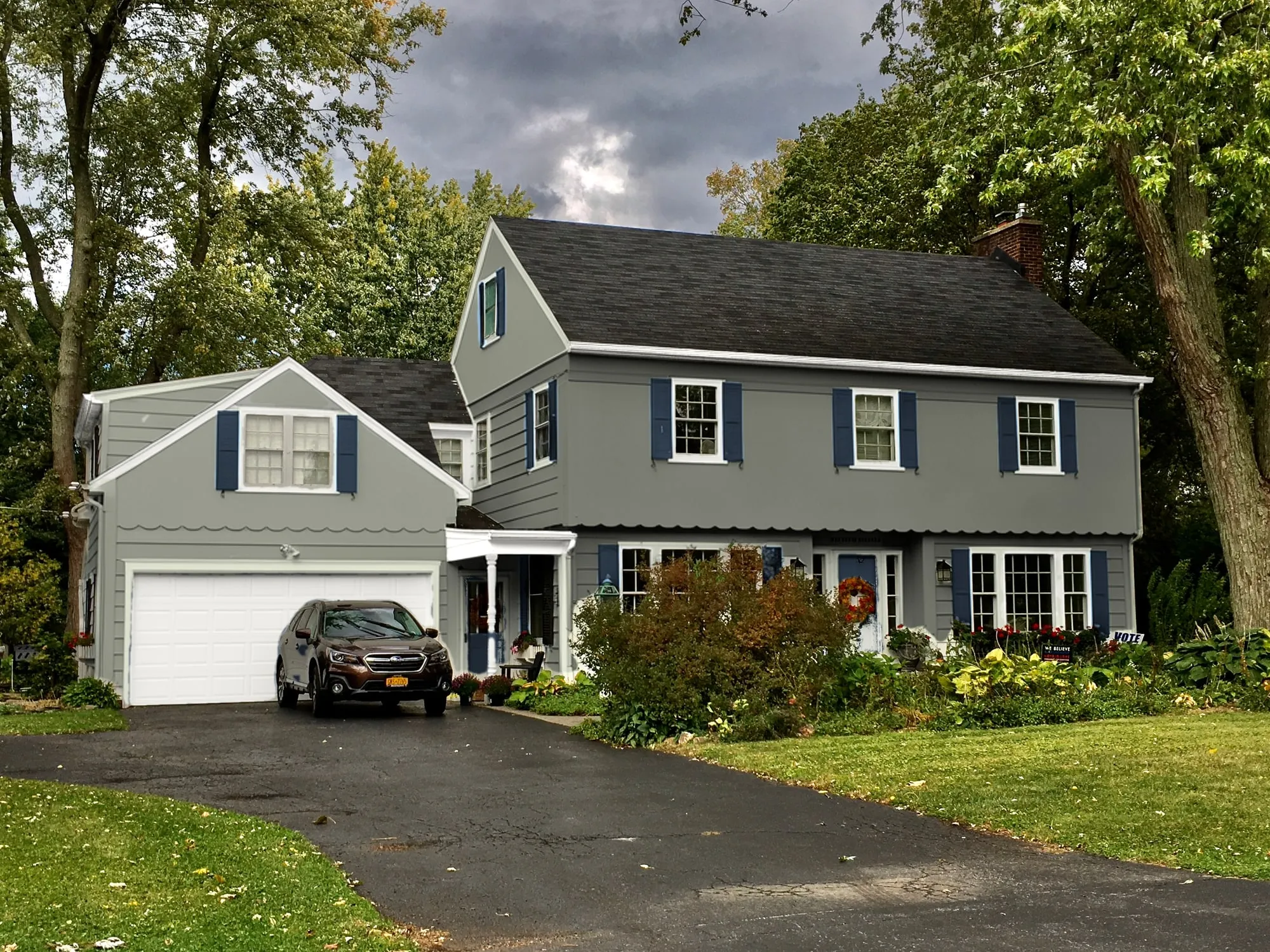
The whole house, newly painted
The AI photo has an image model, FLUX.2 [klein] 4B, redraw only the parts you painted, with its own sense of light. The app then puts your photo back everywhere else and locks what the model repainted to your paints. Its colors are approximate: the painted photo stays the accurate view.
It runs on your computer too, once you install its engine and model from the app. About 20 seconds a picture on Windows with an 8 GB NVIDIA graphics card. About the AI photo
Real paints from seven brands
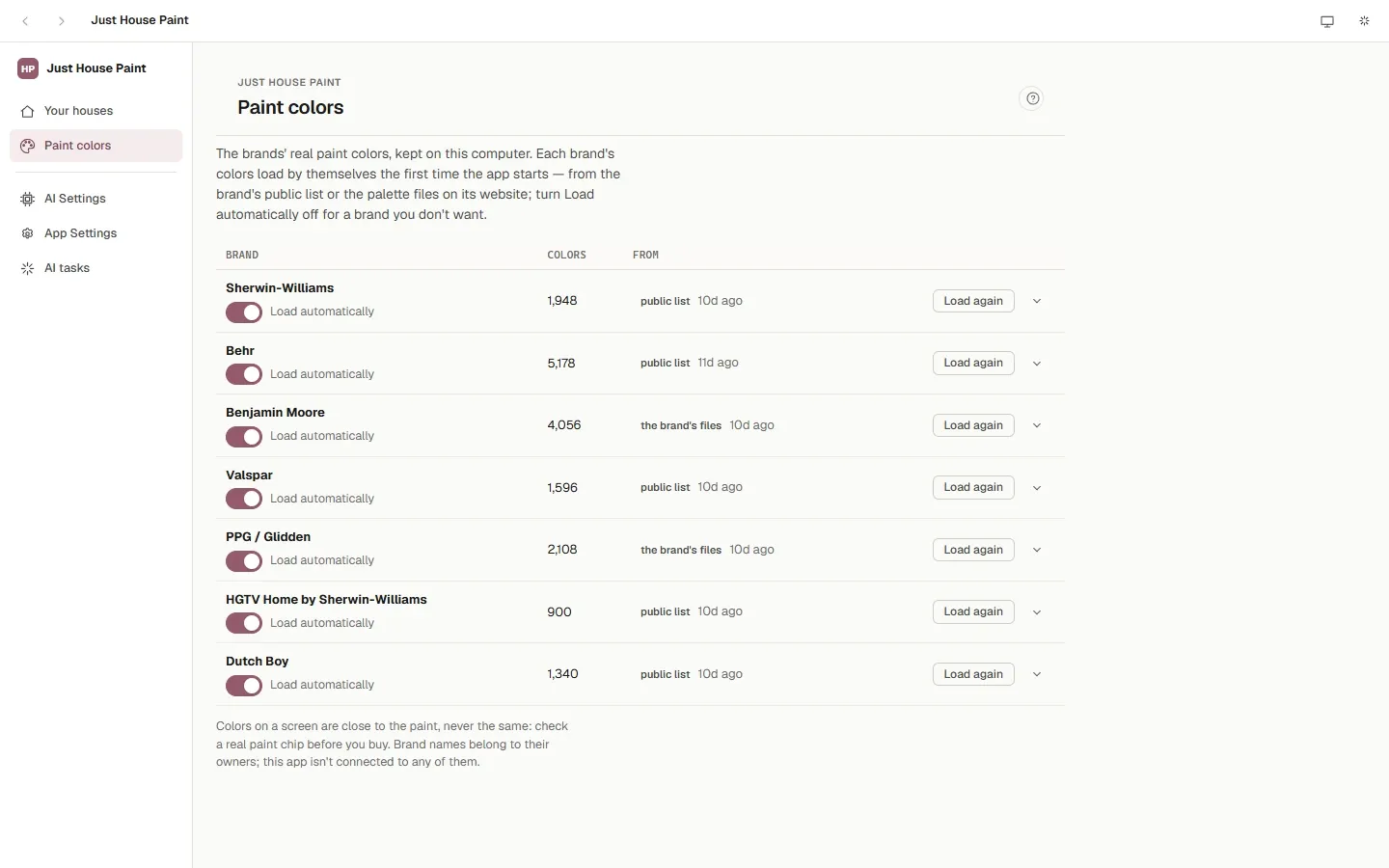
Sherwin-Williams, Behr, Benjamin Moore, Valspar, PPG / Glidden, HGTV Home by Sherwin-Williams and Dutch Boy. Each brand's colors load by themselves the first time the app opens and stay on your computer. Search by name or number, browse by color family, or import a brand's palette file. For any color, the app shows the nearest one in each of the other brands, and how close it is.
Color schemes that are real paints
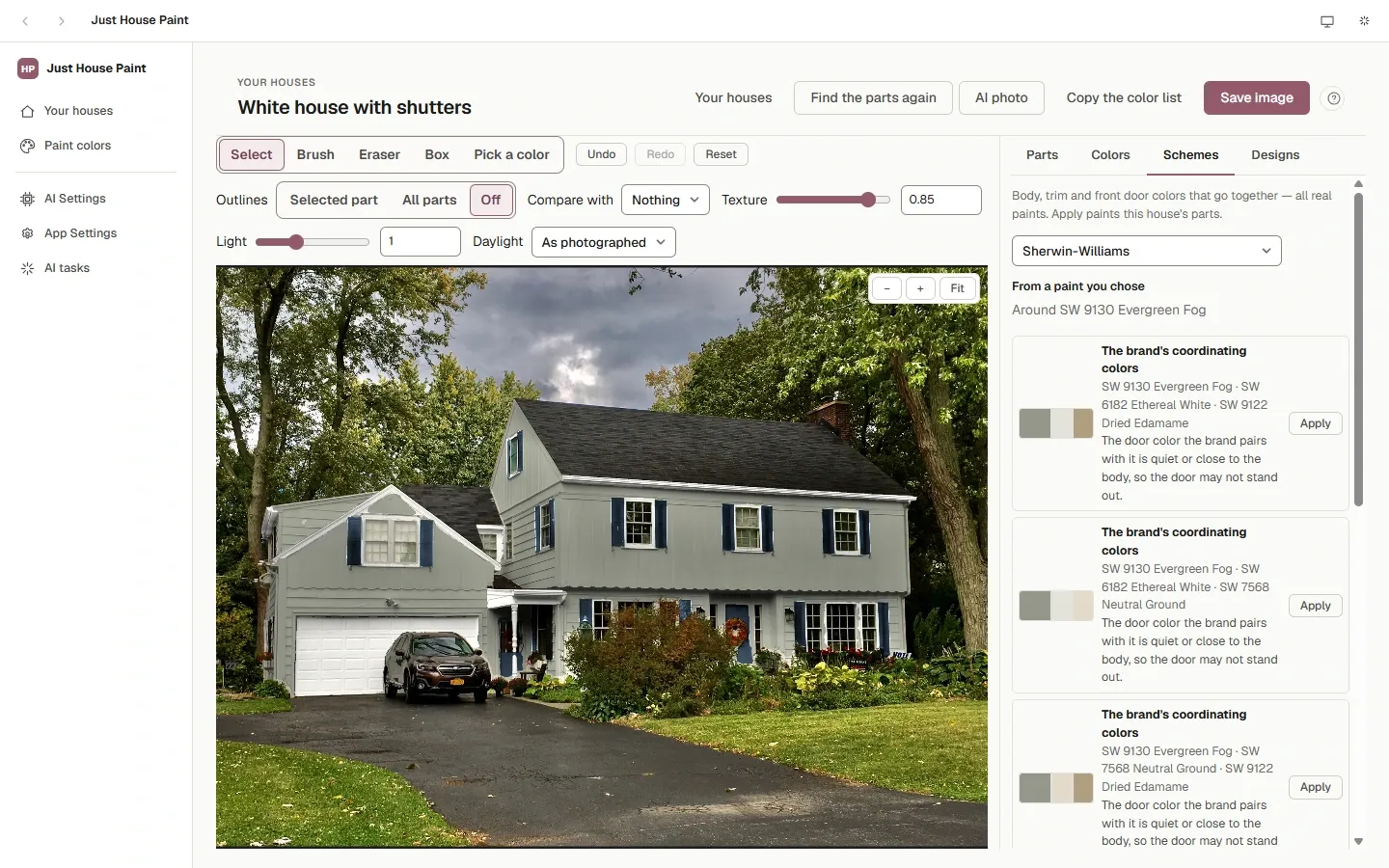
Start from a paint you like, take the brand's own coordinating colors, or ask an AI model for schemes that suit what stays the same — the roof, the stone, the windows. Every color is snapped to the brand's nearest real paint, and Apply puts the body, trim and door colors on your house.
Yours, on your computer
Your photos stay put
Nothing is uploaded. The photos, the parts the app finds and your designs are kept in one folder on your computer, backed up with one file.
AI on your terms
A local model runs the color schemes for free. Or use your own key for OpenAI, Anthropic, Gemini, OpenRouter, DeepSeek, xAI, Mistral or any OpenAI-compatible service.
Free and open source
MIT licensed, with the code on GitHub. Run it as a desktop app, or run its server and open it in a browser on your home network.
Questions
What does it run on?
Windows 10 and 11 (64-bit), macOS on Apple silicon (M1 and later), and Linux (Ubuntu 22.04 or newer). The AI photo needs macOS 26 or Ubuntu 24.04 or newer.
Do I need a graphics card?
No. Finding the parts and painting work on any of those computers; a graphics card makes finding the parts quicker. The AI photo takes about 20 seconds on Windows with an 8 GB NVIDIA card and about ten minutes with no graphics card it can use.
How close are the colors to the real paint?
On a normally lit wall the painted photo shows the paint chip's own color, and each part shows its ΔE: under 1 is a difference most people can't see. A screen still isn't a can of paint, so check a real chip before you buy.
What does it download?
Each brand's color list, by itself the first time the app opens (turn a brand off on Paint colors if you don't want it). The part finder's model (3.1 GB) and the AI photo's engine and model download only when you press their buttons, with their size shown first. Your photos never leave your computer.
Why does Windows or macOS warn about the installer?
The installers aren't signed with a publisher's certificate yet. Getting started in the docs shows the one step that opens it on each system.
Does it cost anything?
No. It is free and open source under the MIT licence. Online AI providers, if you choose one, charge you for what you use.